Everything You Need to Write Complex Stories
A story engine that tracks your characters, timelines, and world — so your AI assistant actually knows what it’s talking about.
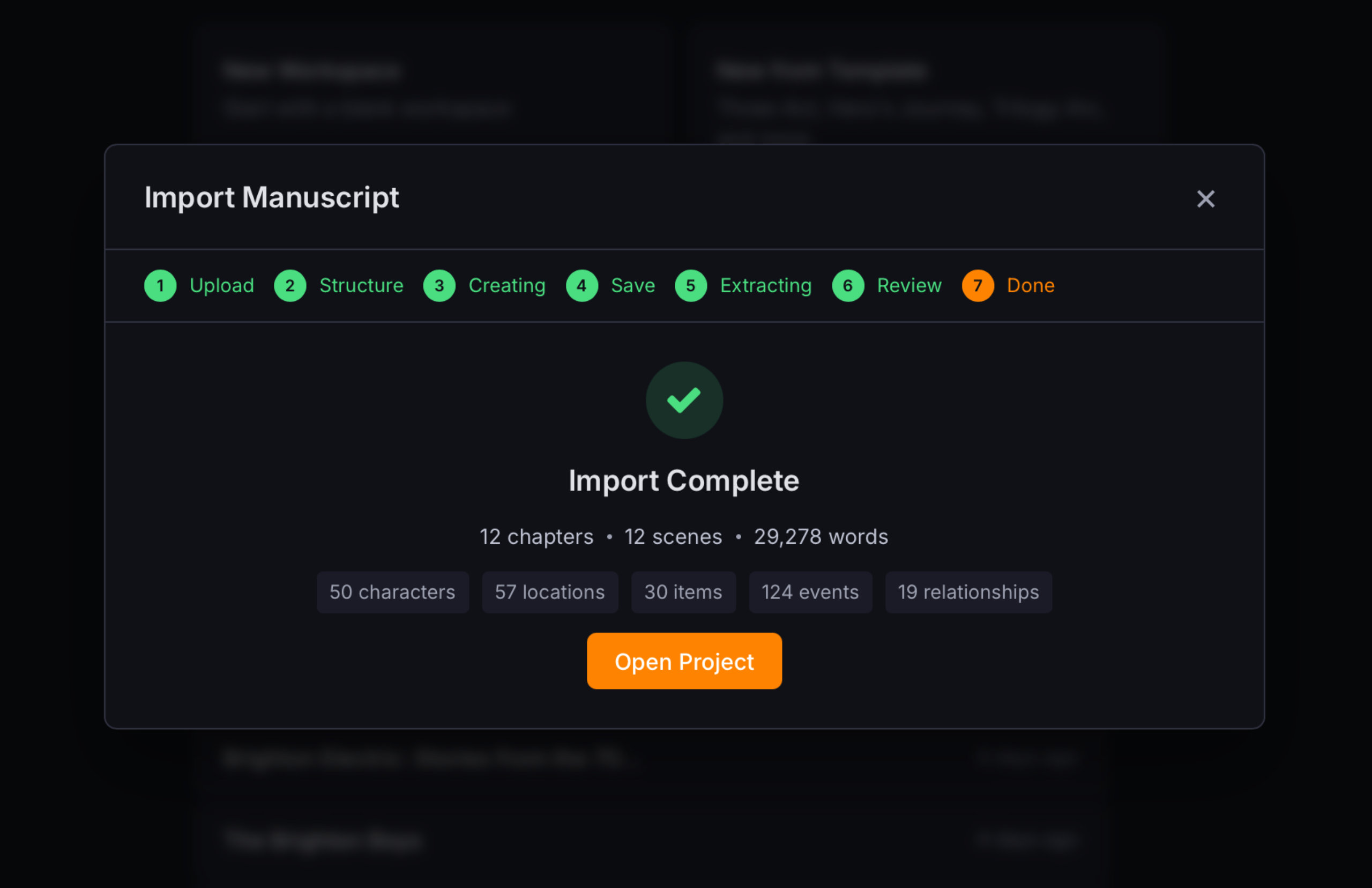
Bring Your Existing Manuscript In
Already have a manuscript? Drop it in and Continuum Writer will parse it into chapters, optionally use AI to extract your characters, locations, items, and plot events — turning it into a fully structured project in minutes.
- Supports .txt, .md, .rtf, and .pdf files (.docx coming soon)
- Intelligent chapter detection — handles numbered chapters, part markers, and heading styles
- AI entity extraction — characters, locations, items, events, and relationships pulled from your text
- Review everything before committing — edit names, roles, and descriptions in a preview step
- Lands you in a fully structured project with manuscript, timeline, and canon pages ready to go
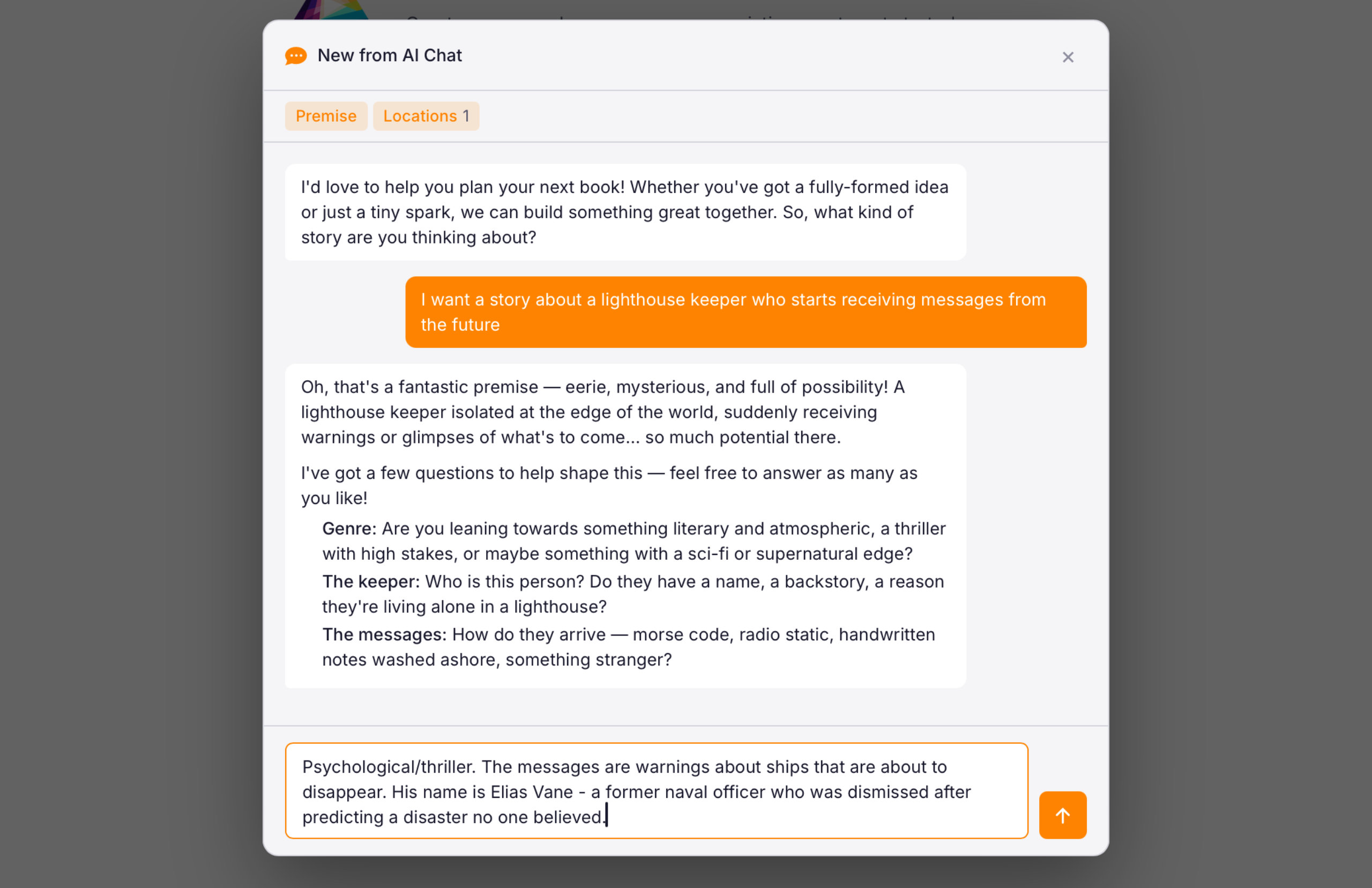
Start with an AI Brainstorm
Not sure where to start? Open a brainstorm session and chat with the AI about your idea. It asks questions to shape your characters, setting, and plot — then generate a structured project when you’re ready.
- Guided conversation that draws out your genre, premise, characters, and world
- AI extracts structured data as you talk — names, roles, settings, themes, and plot beats
- Works for fiction and non-fiction — adapts its questions to your genre
- When you’re happy with the plan, it generates a full project with chapters and canon entries
- You stay in control — review and edit everything before the project is created
Start with a Template
Choose from a variety of project templates to get you started, including:
- Three-Act Structure - The classic beginning, middle, and end.
- Hero's Journey - Joseph Campbell's twelve-stage monomyth mapped to chapters, timeline events, and character arc knowledge entries.
- Trilogy Arc - Three books with a shared cast, interconnected timelines, and a series-level story arc. Each book has its own three-act structure while contributing to the overarching narrative.
- Murder Mystery - A classic three-act murder mystery at a country estate — Discovery, Investigation, Resolution. Features plot items with resolution tracking: clues, a murder weapon, a red herring, and key evidence that must all be resolved by the final reveal.
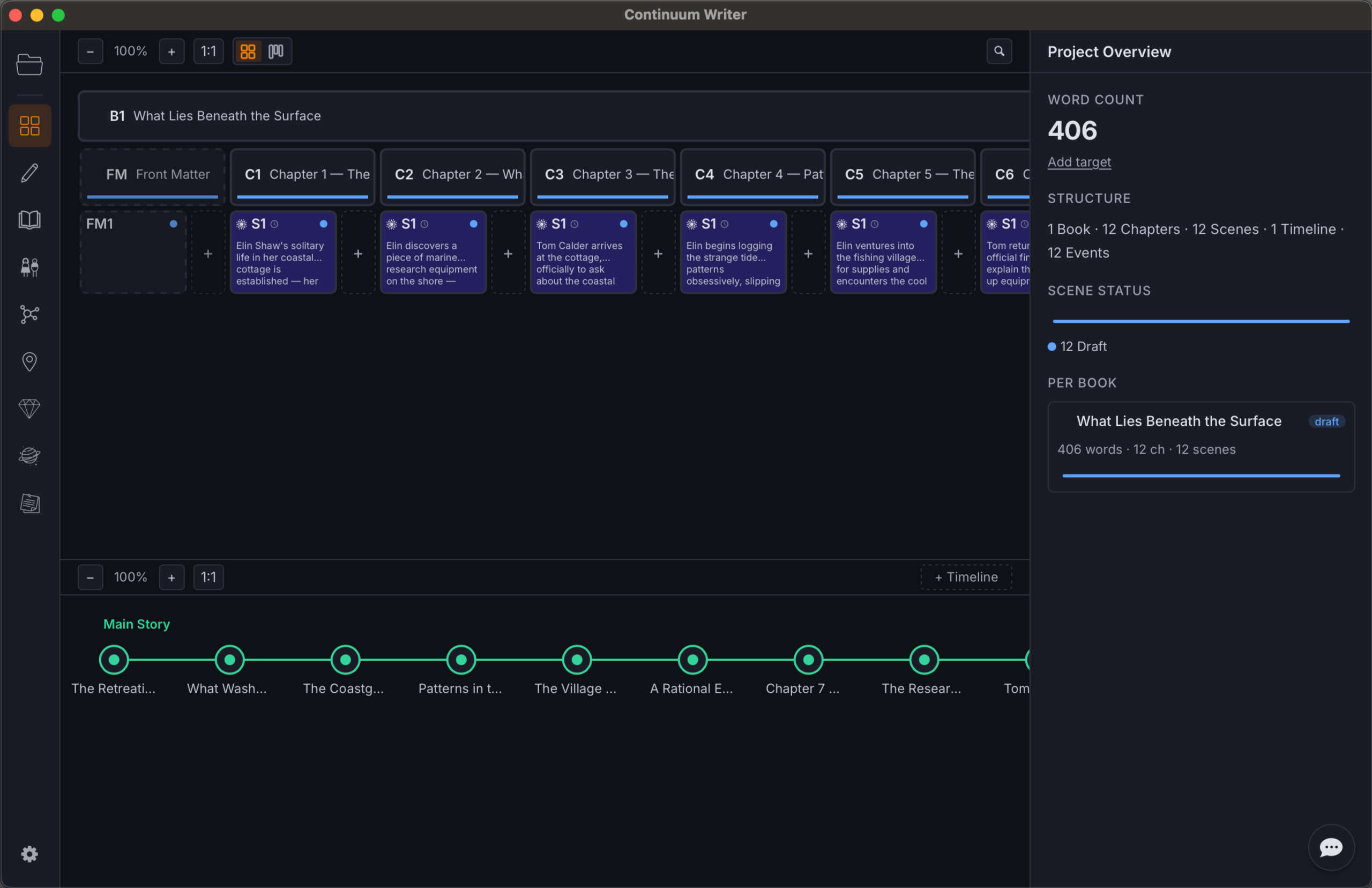
See Your Entire Story at a Glance
Your workspace is more than a file tree. It's a visual system for organising books, chapters, and scenes — with multiple views to match how you plan your story.
- Multi-book projects — series, companion novels, or standalone works in one place
- Grid view for overview, board view for story structure planning
- Drag-and-drop reordering across chapters and scenes
- Scene summaries, status tracking, and POV assignment
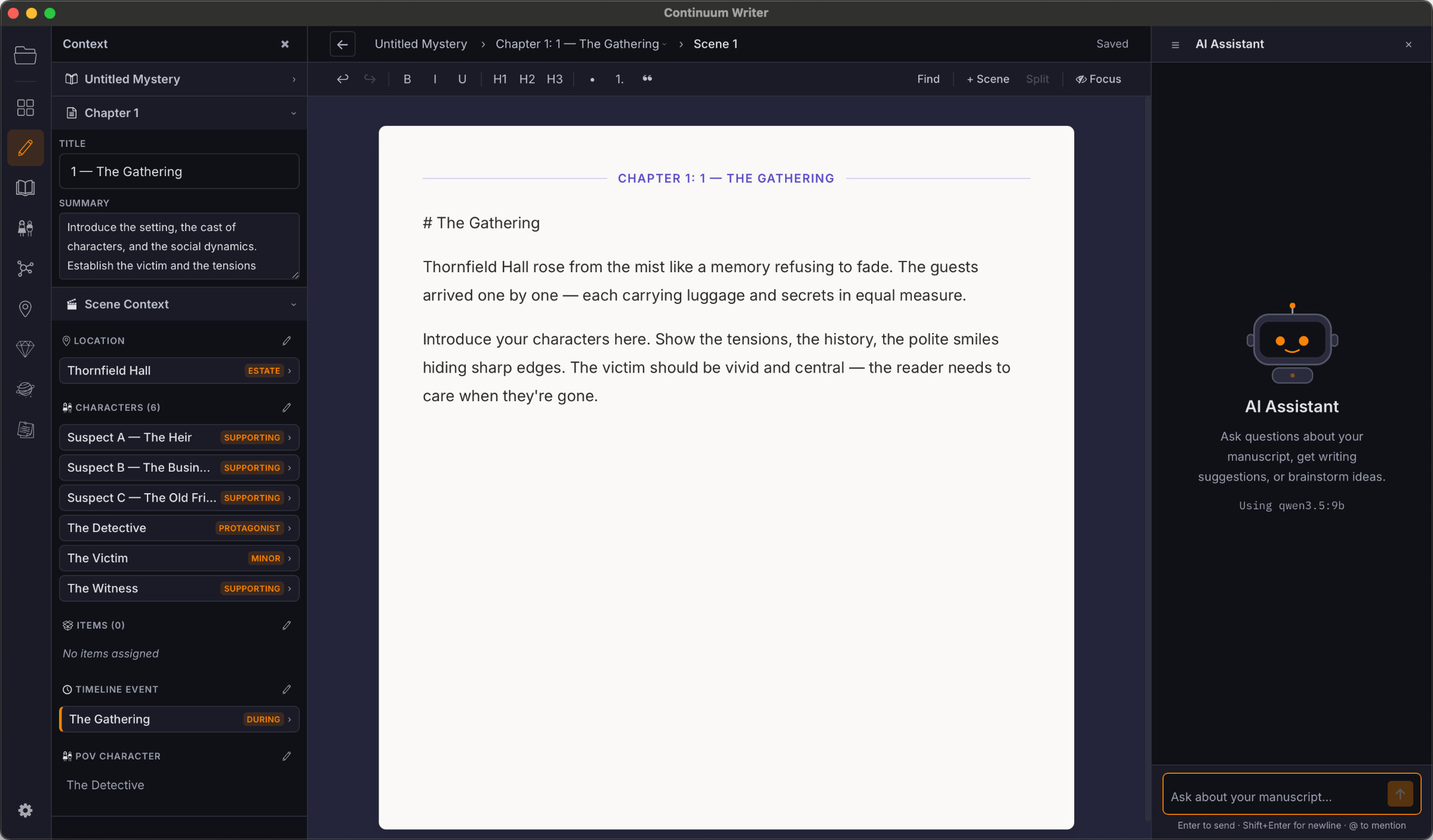
A Focused, Powerful Writing Environment
A clean editor built for long-form writing. No distractions, no clutter — just the tools you need to write well, with AI augmentation when you want it.
- Rich text formatting — headings, bold, italic, blockquotes, scene breaks
- Focus mode that dims everything except the current paragraph
- AI diff review — see suggested edits as tracked changes before accepting
- Search and replace across scenes
- Scene breaks with visual dividers
- Word and character counts per scene and chapter
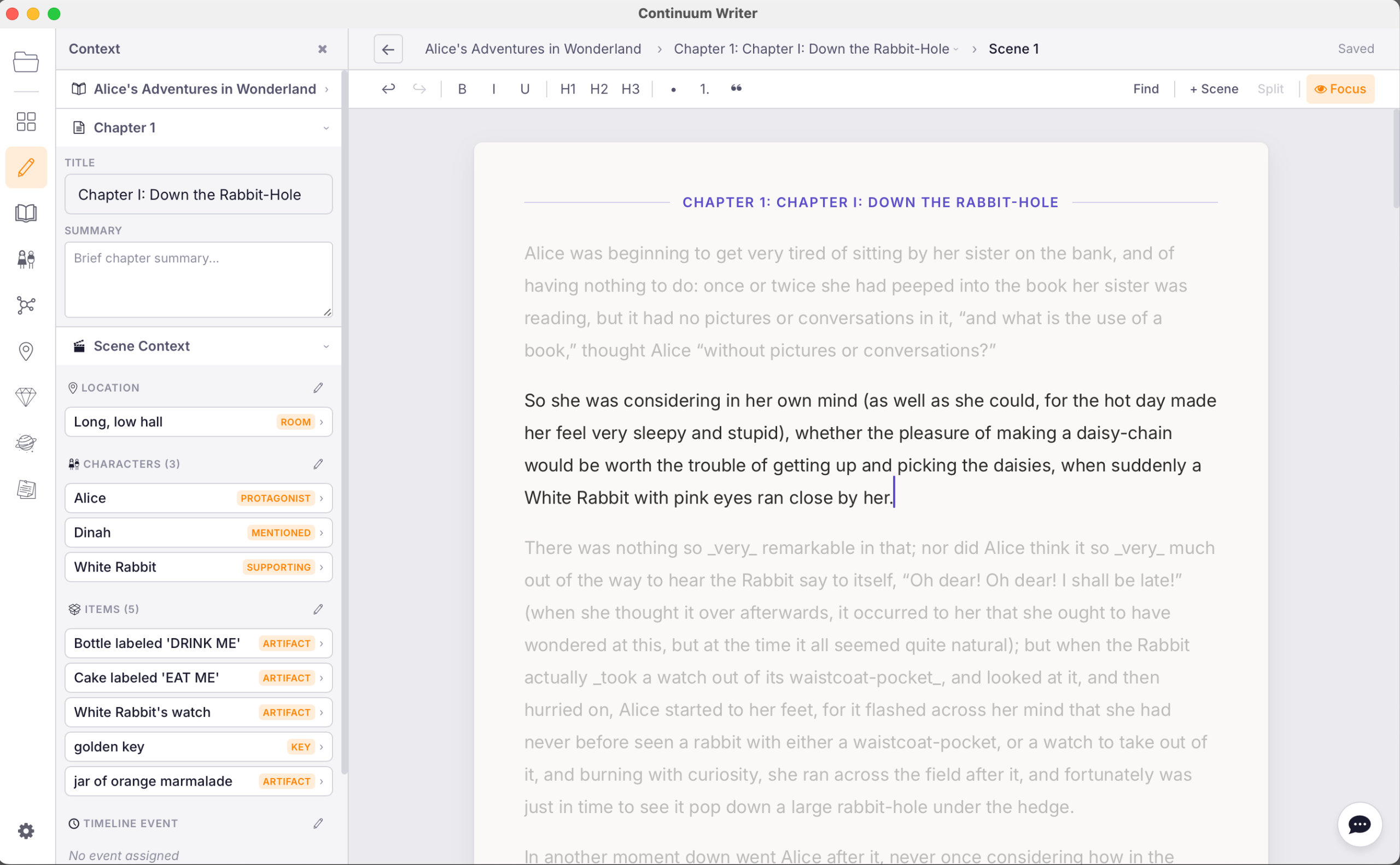
AI That's Actually Read Your Whole Book
This isn't a chatbot you paste text into. The AI assistant has access to your entire manuscript, all your characters, locations, world-building, timelines, and relationships. When you ask it a question, it searches your project for relevant context before responding.
- Understands your full manuscript, not just what you paste in
- Searches across chapters, character pages, timelines, and world entries
- Suggests edits as diffs — you review and accept or reject, always in control
- Ask about continuity, character arcs, timeline consistency, or anything in your story
- Works with OpenAI (GPT-4o), Anthropic (Claude), or free local models via Ollama
- BYO API key — no markup, no data harvesting, no subscription
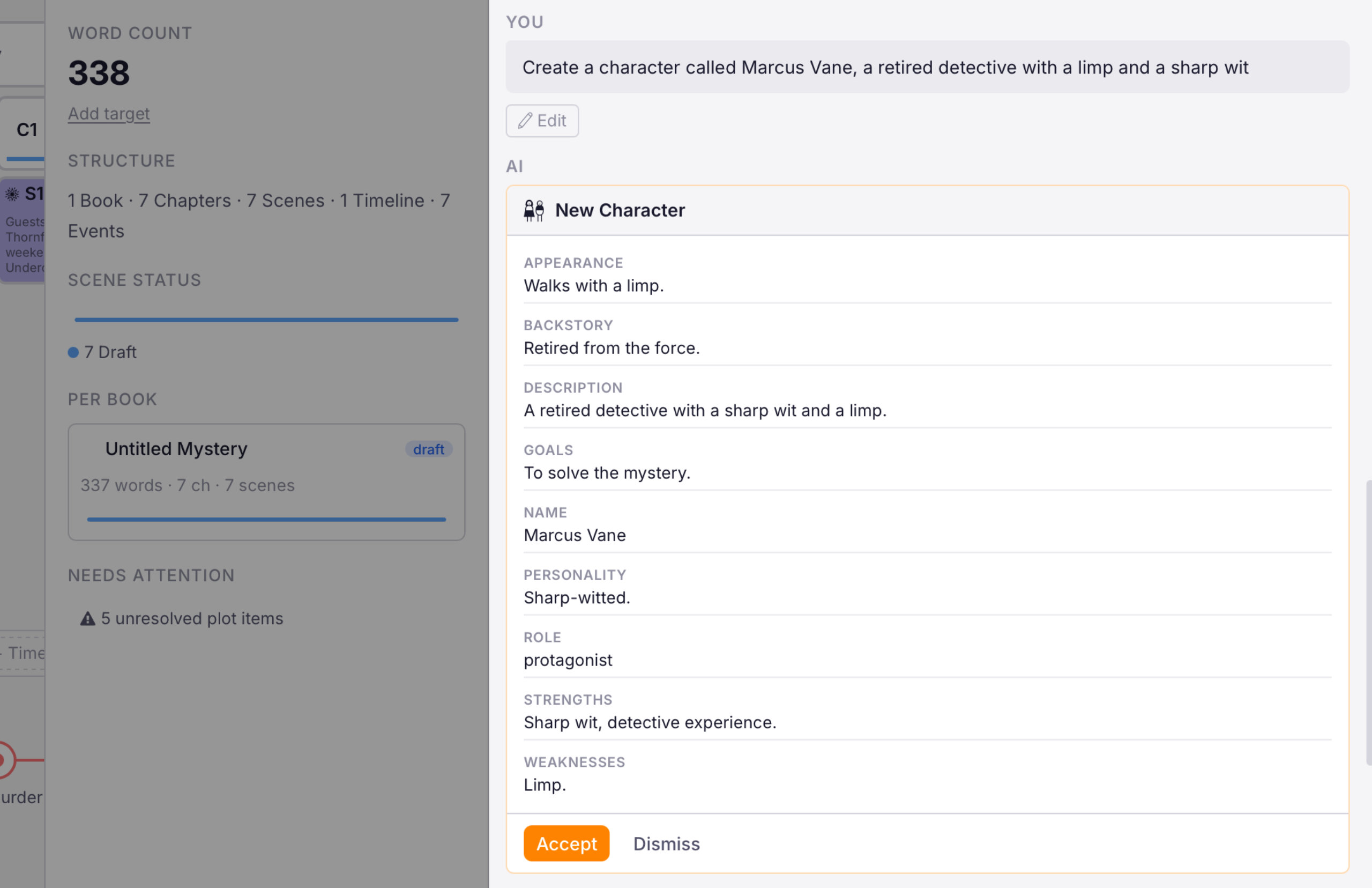
Branching Timelines That Track Every Event
For stories with complex timelines — parallel storylines, flashbacks, time travel, or multiple POVs across different time periods. The timeline isn't just a visualisation; it's a knowledge system the AI can query.
- Create multiple timelines with branches and parallel tracks
- Add events with dates, descriptions, and linked characters
- Link scenes to timeline events for chronological consistency
- Timeline-aware AI — ask questions about what happened when
- Knowledge entries tied to specific points in time
- Visual overview of your story's timelines
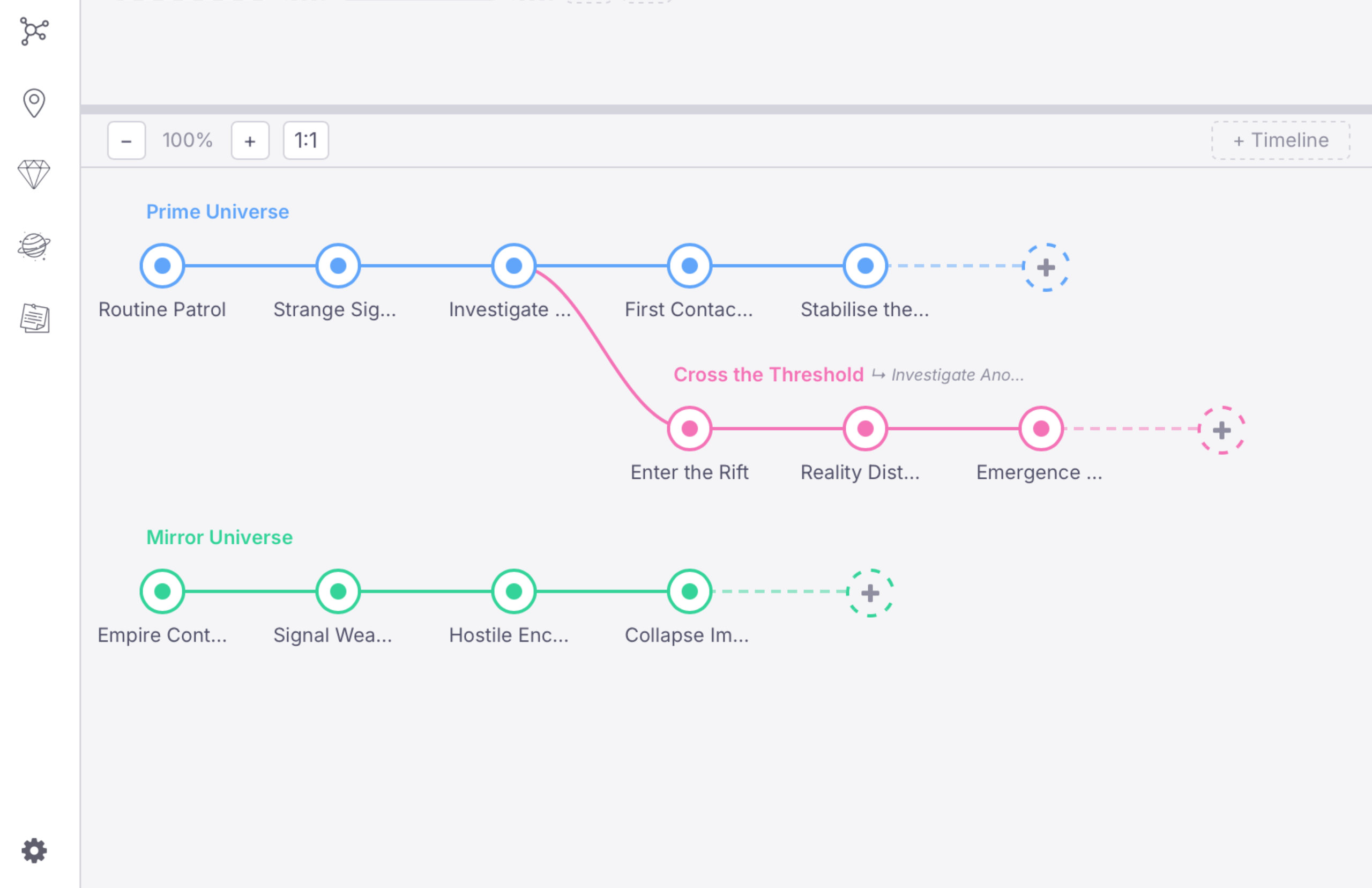
Your Story's Canon, Always Accessible
Characters, locations, items, and world-building entries — all structured, searchable, and indexed for the AI. No more scattered notes or forgotten details.
- Character pages with structured fields — name, role, appearance, personality, background
- Relationship graph showing connections between characters
- Locations and items with descriptions and knowledge entries
- World-building entries for magic systems, politics, history, and rules
- Knowledge entries — attach facts to any canon page for the AI to reference
- Everything is indexed so the AI can find it when needed
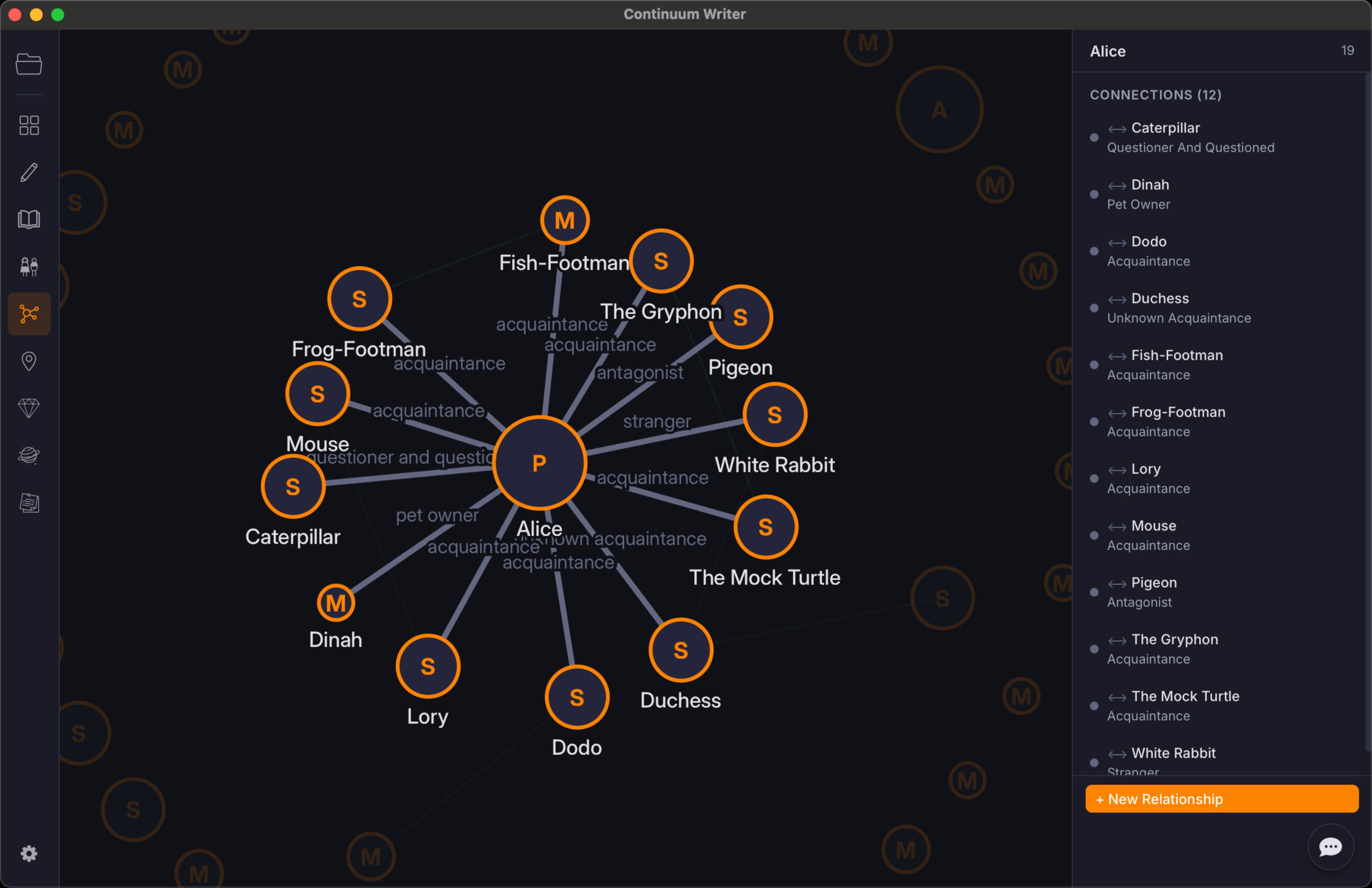
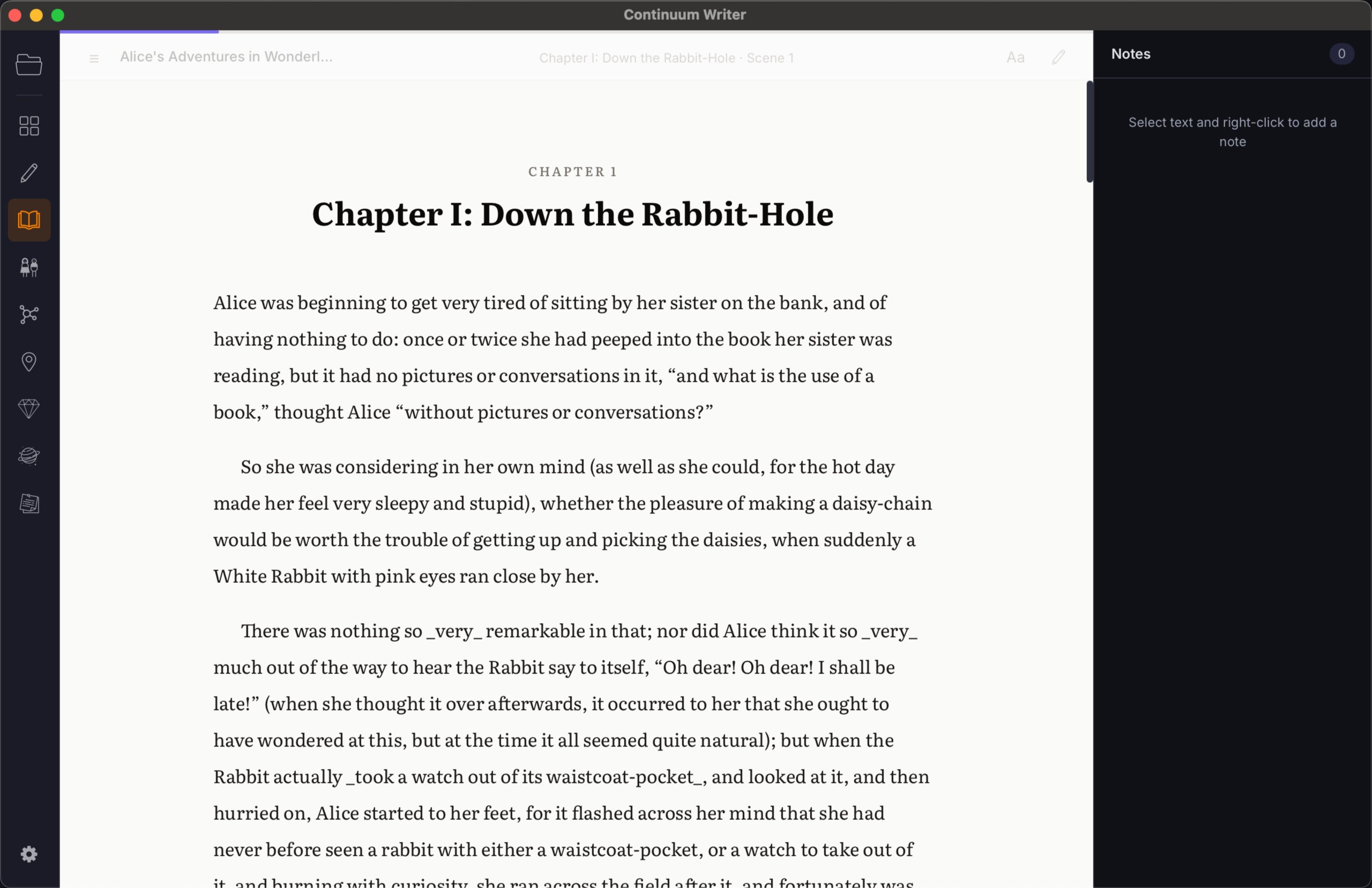
Read Your Manuscript Like a Book
Switch from writing to reading. Reader mode renders your manuscript in a clean, distraction-free layout — perfect for reviewing your work, catching issues, and making annotations.
- Full manuscript rendered as continuous prose
- Colour-coded annotations for different types of notes
- Jump between chapters and scenes
- A different way to experience your story — helps you see your work fresh
Bring Your Work In. Take It Anywhere.
Export your manuscript from Continuum Writer in multiple formats.
- Markdown — Clean
.mdfile, great for further editing or version control - Word —
.docxformat, suitable for submitting to editors or agents - PDF — For reading, sharing, or printing
Every Version of Every Scene, Saved Automatically
Continuum Writer snapshots your work as you write. Browse a timeline of every change, preview any past version, compare it against the current draft, and restore with one click — your safety net for fearless editing.
- Automatic snapshots as you write, plus manual saves from the File menu
- Timeline sidebar grouped by day — see exactly when each change happened
- Full preview of any past version, rendered just like the editor
- Word-level change tracking — see exactly what changed between any snapshot and now
- One-click restore — a backup of your current version is saved before restoring
- Browse history across books, chapters, and scenes with breadcrumb navigation
This Is Just the Beginning
We have a lot more planned for Continuum Writer. If you have a feature request or idea, please let us know.
Share Your Ideas